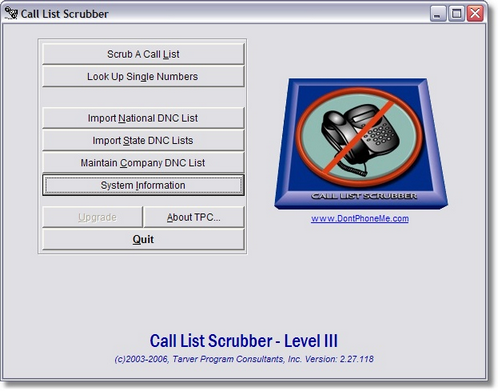
Call List Scrubber is designed to automatically notify you if any of your area codes are 31 days or older. However, you can tell Call List Scrubber to notify you well before the 31 day mark so you can make sure that each time you scrub a list you are in compliance. Each area code is tracked independently which allows you to download area codes whenever you want without worrying about when you need to download again. To set up Call List Scrubber to alert you sooner than the 31 limit, click on 'System Information' from the main menu of Call List Scrubber.
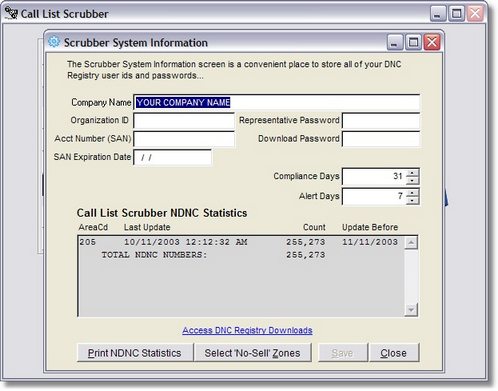
The DNC Download Alert Days is one of the more critical defaults that you can set. This can be set to any number between 1 and 31. This value tells Call List Scrubber when to start alerting you that an area code is in danger of being out of compliance. If you set the number high then Call List Scrubber will start alerting you very soon after a download that another download is due. If you set the number low, then Call List Scrubber will wait until much closer to the 90 day deadline before it begins to alert you to download new files.
Whenever Call List Scrubber starts, it checks all of the area codes you have imported from the National Do Not Call Registry and compares the last update date against the 31 day limit and then determines how many days today's date is away from the update deadline. If this number is equal or less than the number you entered for the DNC Download Alert Days, Call List Scrubber displays a message and gives you an opportunity to print a report listing all of the area codes that are due to be updated.